LDAC Bluetooth 5.2 Earbuds: Deep Bass, HiFi, Tips
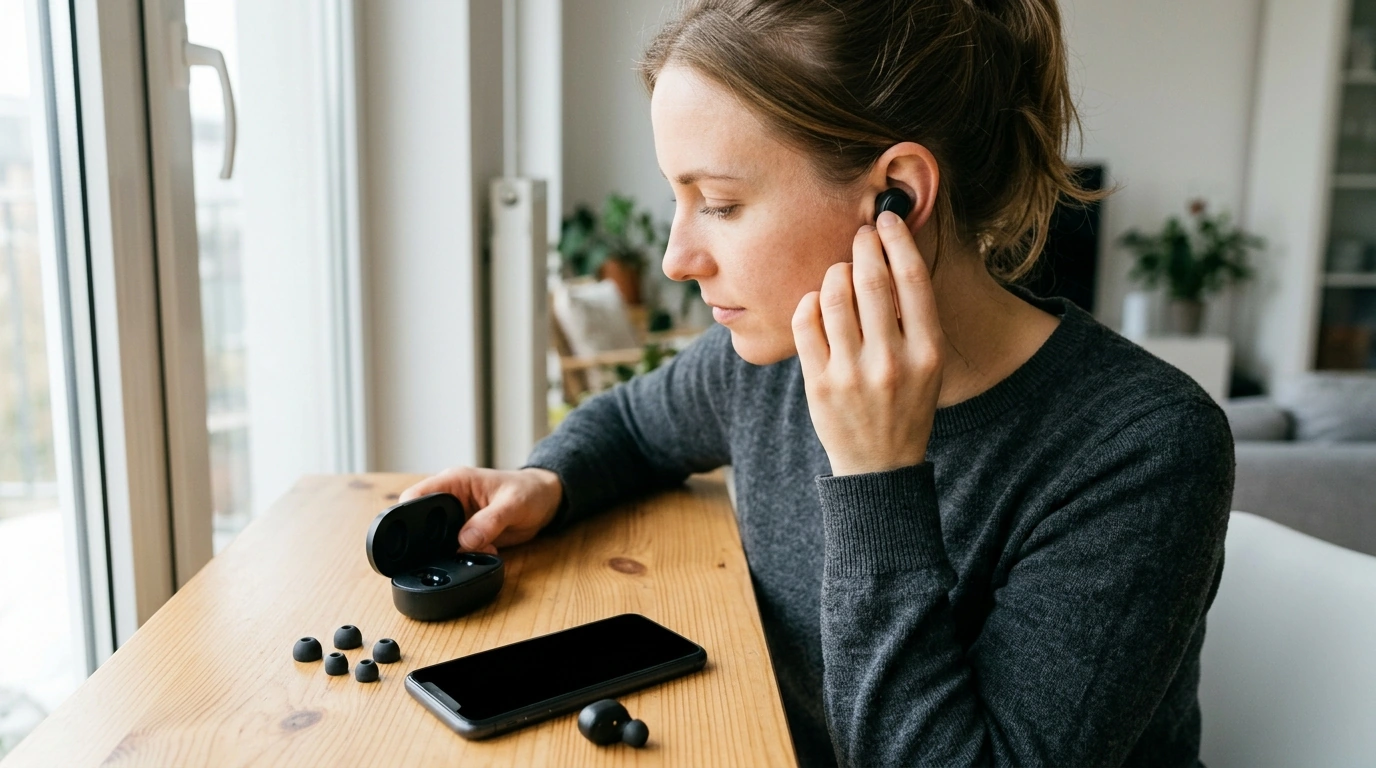
Wireless Bluetooth 5.2 Earbuds with LDAC, Deep Bass & HiFi Sound: What to Know Before You Buy
These earbuds are built for higher-quality wireless listening with LDAC support, a punchy low end, and stable Bluetooth 5.2 performance. The practical difference comes down to three things: whether your phone can actually use LDAC, how strong your connection is in the places you listen, and how well the ear tips seal. When those pieces line up, you can get cleaner details, tighter bass texture, and fewer “swishy” compression artifacts in busy songs—without giving up everyday convenience. For more guidance, see LDAC Wireless Earbuds with Hi Res Audio Semi in Ear Bluetooth ….
What stands out at a glance
- Bluetooth 5.2 connection for everyday stability and lower latency compared with older versions.
- LDAC codec option for higher-bitrate Bluetooth audio when supported by the source device.
- Sound tuning aimed at deep bass while keeping vocals and details clear.
- Fit and seal matter as much as the drivers for bass impact and perceived clarity.
If you’re shopping specifically for LDAC-capable earbuds, start with the product page details and compatibility notes. You can find the model here: Wireless Bluetooth 5.2 Earbuds with LDAC, Deep Bass & HiFi Sound. For further reading, see Edifier NeoBuds Planar Wireless Earbuds | 12mm Planar Drivers ….
LDAC and “HiFi sound”: what it means in daily use
LDAC is a Bluetooth audio codec designed to send more audio data than standard SBC and often more than AAC. In real listening, that can translate to smoother cymbals, cleaner reverb tails, and better separation when a track gets dense (layered vocals, bright synths, or busy drums). It doesn’t “create” detail that isn’t in the source, but it can reduce the sense that the music is being squeezed.
LDAC benefits are most noticeable when (1) your phone/tablet supports it, (2) the earbuds successfully negotiate LDAC, and (3) the signal stays strong. In environments with lots of interference, a high-bitrate mode may stutter more easily—so a stability mode (if available) can be the better everyday choice.
For deeper background on the standards involved, the most reliable references are the Bluetooth Core Specification, Sony’s overview of LDAC audio technology, and Android’s notes on Bluetooth audio codec options.
Codec behavior to expect
| Scenario | What happens | What to do |
|---|---|---|
| Android phone with LDAC enabled | LDAC can be used if selected in Bluetooth settings | Enable LDAC in Bluetooth device options; keep the phone nearby |
| iPhone / iPad | LDAC typically not available; AAC is commonly used | Use AAC and focus on fit, EQ, and volume-safe listening |
| Crowded wireless environment | Higher-bitrate modes may be less stable | Switch LDAC to a stability setting if available or reduce distance |
Deep bass without muddy mids: how to dial it in
“Deep bass” can mean two different things: more low-end volume, or better low-end quality (texture, speed, and separation). A strong seal is the biggest lever for both. If the fit leaks, bass disappears and people often compensate by turning the volume up—making vocals harsher and fatigue worse.
- Start with the seal: try different ear tip sizes until bass is present even at low-to-moderate volume.
- Use gentle EQ moves: if bass crowds vocals, reduce 60–120 Hz slightly; add a small lift around 2–4 kHz to bring voices forward.
- Avoid max volume: distortion rises quickly when bass is boosted at high SPL, and it can mask detail.
- Feed it good audio: use high-quality streaming settings or lossless files when possible; LDAC helps most when the source is already strong.
Comfort, fit, and passive noise isolation
A secure fit improves bass, reduces outside noise, and can make LDAC’s clarity gains easier to notice. If the earbuds loosen during walking or workouts, switch tip sizes or consider foam tips (when compatible) for a grippier seal. If you feel pressure or soreness, the tips may be too large or inserted too deeply—size down and rotate the earbud slightly so it sits naturally.
Bluetooth 5.2 stability, latency, and real-world range
Battery expectations and charging habits
Controls, calls, and daily usability checks
Quick setup checklist (Android and iOS)
Troubleshooting shortcuts
| Issue | Likely cause | Fix |
|---|---|---|
| Audio cuts out | Interference or high-bitrate mode struggling | Move closer, switch LDAC to stability, or change listening location |
| One earbud not connecting | Earbud not synced to the primary | Place both in case, re-seat, then re-pair; reset if needed |
| Low bass | Poor seal or wrong tip size | Try larger tips; reinsert with a gentle twist for a tighter seal |
Specs to confirm before buying
Recommended picks (in stock)
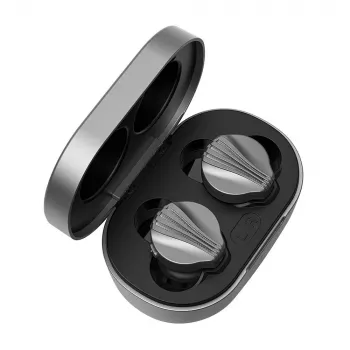
- Wireless Bluetooth 5.2 Earbuds with LDAC, Deep Bass & HiFi Sound ($83.47) — a strong choice for LDAC-capable Android listening and bass-forward tuning with the right seal.
- Is Carsharing the Right Choice for You – Practical Guide Exploring for Smarter, Cheaper, Greener Transportation Decisions ($10.99) — useful reading for commuters and travelers who want simpler, more flexible transportation planning.
- Porcelain Dinnerware Set ($99.01) — a clean, everyday table upgrade if you’re also refreshing home essentials.
FAQ
Do LDAC earbuds work with iPhone?
Yes, they will pair and play audio over Bluetooth, but iOS typically does not support LDAC. Most iPhone and iPad connections use AAC (or SBC), so fit, EQ, and high-quality source audio settings do the heavy lifting.
Does LDAC improve bass, or only clarity?
LDAC mainly affects compression and fine detail, so the most obvious change is often clarity and separation. Bass impact is mostly driven by tuning and (especially) ear tip seal, though higher-bitrate audio can preserve bass texture in complex tracks.
Why does the connection drop more often when LDAC is enabled?
Higher-bitrate modes are more demanding and more sensitive to interference and distance. If dropouts happen, switch LDAC to a stability mode (if available), keep your device closer, and avoid congested wireless areas.













Leave a comment